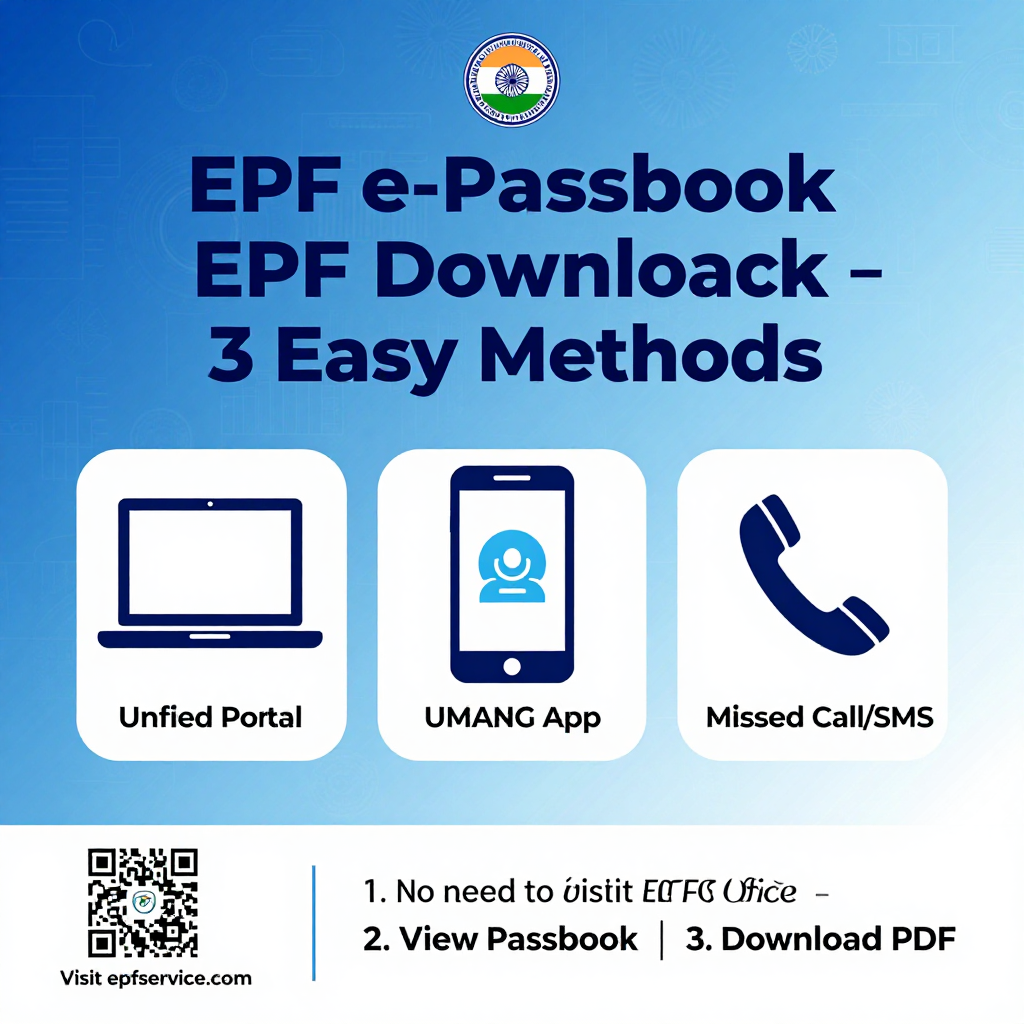
The Employees’ Provident Fund Organisation (EPFO) has revolutionized how crores of salaried employees in India manage their retirement savings. The EPF e-Passbook is a digital version of your Provident Fund (PF) account passbook, allowing you to view all your monthly contributions, interest credits, withdrawals, and the final balance from the comfort of your home.
This comprehensive guide will walk you through every method to download your EPF e-Passbook online, including the latest features like EPFO’s new 'Passbook Lite' and essential updates for 2026.
✅ Prerequisites: Before You Download Your EPF Passbook
Before you begin, ensure your UAN is activated and seeded (linked) with your Aadhaar, bank account, and PAN:
- Active UAN: Passbook will be available about 6 hours after first registering your UAN.
- Eligibility: The account must be active (not settled or inoperative).
- Aadhaar-Based Activation: Aadhaar-based face authentication is now mandatory.
⚠️ Note: If your UAN is not active, you can activate it via the UMANG App using 'UAN Activation' under EPFO services. This requires your Aadhaar and face authentication.
🚀 Method 1: Download EPF Passbook via EPFO Member Portal (Web)
This method is best for users who need a detailed, computer-friendly view of their passbook.
Step 1: Visit the EPFO Unified Member Portal:
👉 https://unifiedportal-mem.epfindia.gov.in/memberinterface/
Step 2: Enter your UAN, Password, and the Captcha code, then click Login.
Step 3: After login, you will see all your Member IDs (PF accounts) linked to your UAN. Select the one you wish to view.
Step 4: Click on 'View Passbook'. A detailed PDF will open, showing your complete transaction history.
Step 5: Click Download to save the passbook to your device for your records.
💡 Note: The traditional passbook portal at passbook.epfindia.gov.in is also accessible but is being streamlined into the Unified Portal, as explained below.🌟 What's New in 2026: EPFO 'Passbook Lite' & Single Login
A major reform in late 2025 (effective September 18, 2025) introduced a new feature called 'Passbook Lite'. This integrates a simple, quick-view version of your passbook directly into the main member portal.
- How to Use Passbook Lite: Log in on the member portal (as above) and look for the 'Passbook Lite' option on your dashboard. You will see a summarised view of your contributions, withdrawals, and current balance.
- Key Benefits:
- ✔ Single Login: Access all EPFO services (passbook, claims, KYC) with one login, instead of multiple portals.
- ✔ Direct Annexure K Download: Download your Transfer Certificate (Annexure K) in PDF format from the portal itself.
- ✔ Faster Approvals: Approval processes for claims have been simplified for quicker settlements.
💡 Why two versions? The old 'Passbook Portal' is still available if you need a more graphical or detailed view, but 'Passbook Lite' is the faster, more convenient daily tool.
📱 Method 2: Download EPF Passbook via UMANG Mobile App
The UMANG app (Unified Mobile Application for New-age Governance) is ideal for quickly checking your PF balance and passbook details on your smartphone.
Step 1: Download the UMANG App from the Google Play Store (Android) or Apple App Store (iOS).
Step 2: Open the app and log in using your mobile number.
Step 3: Navigate to EPFO → Employee Centric Services → 'View Passbook'.
Step 4: Enter your UAN and request an OTP (One-Time Password), which will be sent to your registered mobile number. Enter the OTP.
Step 5: Select your Member ID and your EPF passbook will be displayed on the screen. You can view and download it as a PDF.
📞 Method 3: Quick EPF Balance Check (Missed Call or SMS)
If you only need your current EPF balance quickly and not a full passbook, you can use the Missed Call or SMS service.
- 📞 Missed Call: Give a missed call from your registered mobile number to 9966044425. You will receive an SMS with your balance, the last contribution date, and other details.
- ✉️ SMS: Send an SMS in the format
EPFOHO UAN(e.g.,EPFOHO 123456789012) to 7738299899. You will receive details of your PF balance via SMS.
⚠️ Note: This service only works if your UAN is linked with your bank account, Aadhaar, and PAN.
🩺 Troubleshooting: My EPF Passbook is Not Showing Recent Entries
This is a common issue many members face. Here’s what you need to know.
🧩 Common Reasons for Passbook Issues
- System Upgrades: EPFO has been upgrading its ECR ledger system. This can cause temporary delays in reflecting passbook entries.
- 6-Hour Delay: Newly registered UAN members need to wait at least 6 hours before the passbook becomes available.
- Data Mismatches: If your Aadhaar, PAN, or bank details are not properly linked/seeded to your EPF account, the passbook may not load.
✅ What to Do if Your Passbook is Not Showing?
- Wait a Few Days: If you see missing entries for the last few months, it is likely due to the backend system migration. Your contributions are safe and will be reflected automatically once EPFO completes its ledger posting.
- Verify with Employer: Check with your HR department to confirm if the ECR filing and payment for those months have been successfully submitted.
- Check KYC Status: Log into the member portal and ensure your KYC details (Aadhaar, PAN, Bank) are marked as 'Verified' against your UAN.
🔔 Important EPFO Updates & What's Coming in 2026
Stay ahead with the latest developments from EPFO:
- Interest Rate for FY 2025-26: The Central Board of Trustees (CBT) has recommended an 8.25% annual interest rate on EPF accumulations for the financial year 2025-26.
- UPI-Based PF Withdrawals (EPFO 3.0): EPFO is finalizing the rollout of a new system ('CITES 2.0') that will eventually allow subscribers to withdraw a portion of their PF balance (up to 75%) via UPI, similar to a bank account. This is expected to launch soon.
✍️ Need Professional Help with Your EPF Matters?
Navigating the EPFO portal or managing complex PF issues like claim rejections, transfer delays, or KYC mismatches can be frustrating. At epfservice.com, we provide expert guidance for all EPF-related services, including PF withdrawals, transfers, UAN activation, and claim tracking.
We handle the paperwork. You focus on what matters.
🌐 Visit us: https://epfservice.com/